Treat every notification as a spend from attention
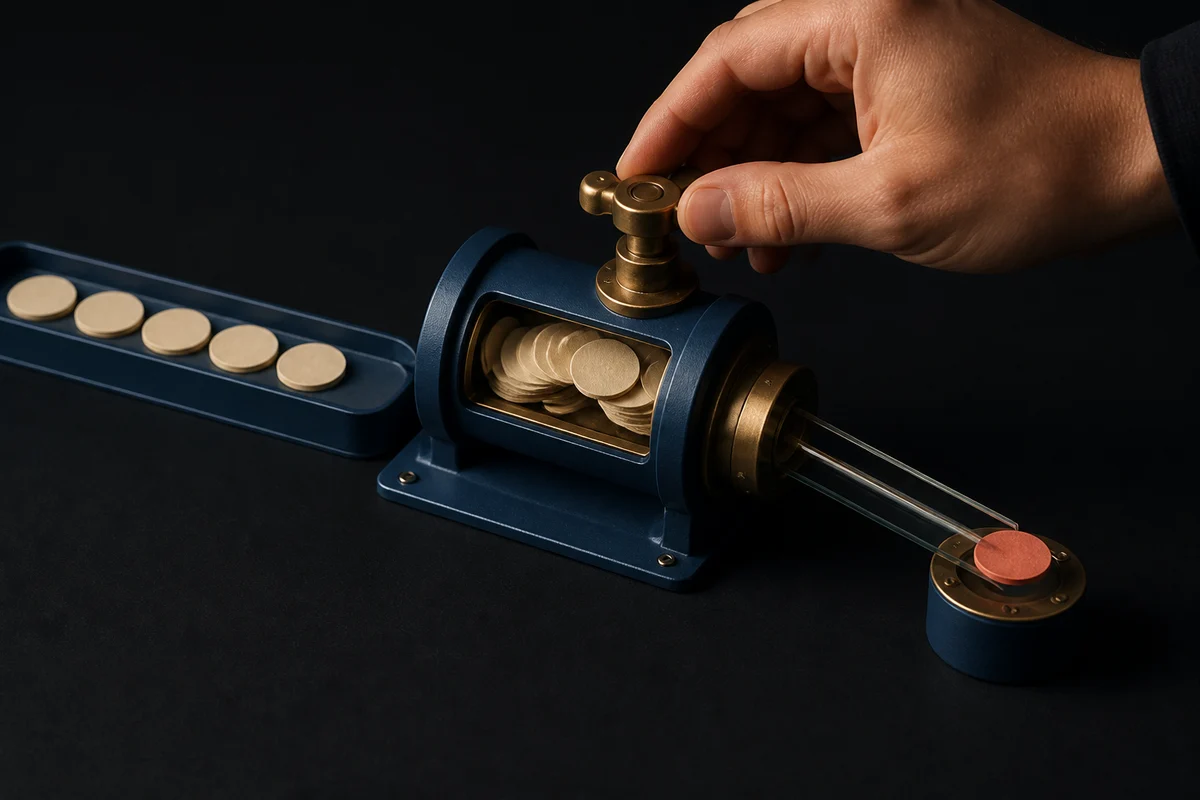
A notification is not merely a message sent outside the product. It is a request to stop something else. Good notification design therefore starts with a budget: each sound, vibration, badge, email, and banner spends a little of the user’s attention and a little of the product’s credibility. When every event is treated as urgent, both resources run out.
Define urgency before choosing the interface
Teams often begin with an event such as “a record changed” and jump directly to push copy. Start with the decision the recipient can make instead. Ask what becomes worse if they learn about the event in five minutes, two hours, or tomorrow. If delay has no meaningful consequence, the event is not urgent.
A practical model separates events into three classes. Immediate events have a short action window and a clear consequence for delay. Timely events matter within a broader period but can wait for a natural break. Informational events remain useful when the person next opens the product.
Use the highest class sparingly. Android’s official guidance makes a similar distinction: high-importance notifications are for time-critical information, while low-importance channels avoid sound. It also warns that presenting unimportant information as urgent can create unnecessary alarm. The same documentation recommends grouping related notifications and letting people control channel behavior. Android’s notification design guidance is useful because it treats importance as both a product decision and a system setting.
Write the classification next to every notification event in the product specification. Include the action window, consequence of delay, intended recipient, and reason this event deserves delivery outside the app. If those fields are vague, keep the event in the product until the team can justify an interruption.
Batch updates that share one decision
Five events do not necessarily create five decisions. Comments on one document, progress changes in one workflow, or several community updates may be better expressed as a digest. Batching preserves awareness while reducing the number of times a person must change context.
The batch boundary should follow meaning, not an arbitrary queue interval. Combine events when they concern the same object, can be resolved together, and remain useful at the same time. Keep them separate when one requires immediate action or belongs to a different account, role, or privacy context.
Research supports testing predictable delivery rather than assuming either constant alerts or complete silence is best. A two-week field experiment with 237 participants compared normal delivery, scheduled batches, and no notifications. Its results show that notification policy involves trade-offs: batching reduced interruptions and improved some reported outcomes, while turning notifications off entirely did not simply produce the same experience. The published notification-batching study is a reason to test cadence with users, not a universal prescription for a particular schedule.
A useful digest names the period, summarizes what changed, and offers one route into the relevant state. It should not disguise a pile of promotional messages as operational information.
Match the channel to the action window
Push is appropriate when information is time-sensitive, useful away from a desk, and actionable from a small surface. Email suits durable information that may require reading, forwarding, or keeping as a record. An in-app inbox works for updates that should remain discoverable without crossing into the user’s day. A badge can signal unread material, but it should not become an unexplained counter that grows forever.
Channel choice should also reflect where the action can be completed. A mobile banner that opens a complex desktop-only flow creates urgency without a path to resolution. Conversely, emailing a short-lived request may hide it in a slower channel. When two channels are justified, assign different jobs to them rather than duplicating the same message at the same moment.
Copy must make the decision legible at a glance. State what changed, why it matters now, and what the available action does. Avoid vague prompts such as “You have an update.” On lock screens, use restrained text because private information may be visible to someone other than the recipient.
Design quiet states as first-class behavior
Quiet does not mean absent. It means information arrives without demanding immediate attention. Products need quiet hours, in-app delivery, grouped summaries, and foreground behavior that acknowledges what the person is already doing.
If someone is viewing the conversation that just received a message, inserting the message into that view is usually enough. A banner and sound would announce information already visible. If the person is completing a focused flow, a subtle status change can hold a non-urgent update until the task ends. Quiet hours should defer ordinary notifications while preserving a carefully defined path for genuinely time-sensitive events.
Stale events also need an expiry rule. A reminder should disappear when its action is completed elsewhere. A status notification should update rather than leave contradictory entries behind. Designing creation without replacement, cancellation, and expiry produces a notification drawer full of obsolete product state.
Give control at the level people understand
A single on-or-off switch forces users to choose between interruption and ignorance. Controls should correspond to recognizable purposes such as direct messages, scheduled reminders, account activity, or weekly summaries. Let people choose channel and cadence where those choices remain safe and meaningful.
Permission requests should come when value is clear. Ask after a user enables a reminder or follows an item, not during an onboarding sequence that has provided no context. Explain what will arrive and how often before presenting the operating system prompt.
User controls also need honest defaults. Defaulting every category to sound shifts the cost of configuration onto the recipient. Prefer the quietest setting that still meets the event’s documented action window, then allow escalation for people whose work requires it.
Apply the budget in product design
Alfcode’s published work makes the classification exercise concrete. Juvenex includes tracking and community features, while PsychLink’s published scope includes messaging and scheduling. Those descriptions verify product contexts, not specific notification behavior. In products with several kinds of activity, the design task is to distinguish a direct, time-bound interaction from a progress update or community event before selecting any channel.
That distinction belongs in the prototype and design system, not as a late delivery setting. Alfcode’s product design practice can represent urgency levels, quiet states, preference controls, grouped items, and expired states as reusable patterns. Testing should include interruption cost as well as whether the message is noticed.
Before approving a notification, run one final test: if it arrived during the user’s most demanding task, could the team defend its timing, channel, content, and inability to wait? If any answer is no, return it to a quieter state or a batch.
Have a product decision to make?
Tell us what you are building. We will help turn the hard parts into a clear plan.
Keep reading.
Retryable workflows need idempotency people can see
Safe automation gives each intent one identity, records every attempt, exposes partial outcomes, and lets operators retry without repeating the effect.
Read
Prove native behavior before choosing a mobile stack
A thin proof on physical devices can expose platform limits early, turning stack selection from preference into an evidence-based decision.
Read